
⌛ Timer Detection Android iOS
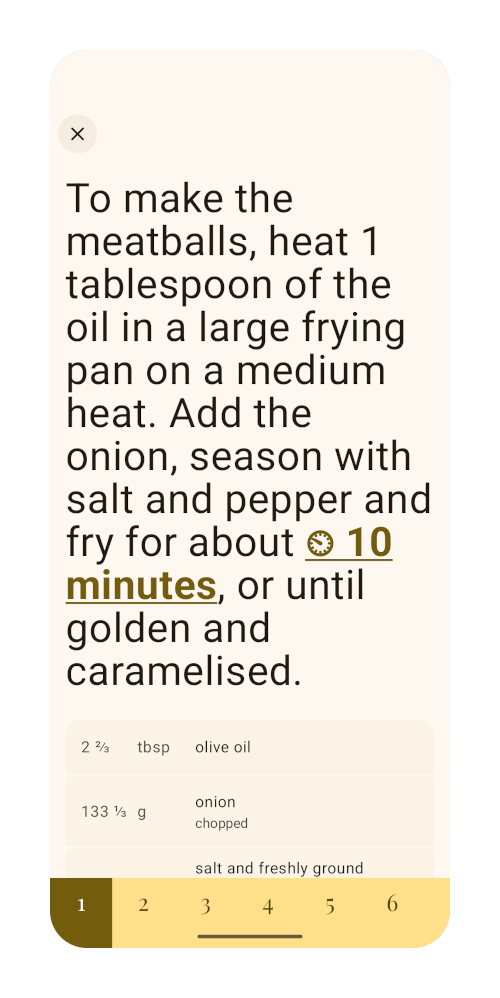
kitshn can detect durations and make them interactable.
Clicking the highlighted text will start a timer. Duration ranges are also supported. When clicking on a range, a dialog will open up where the user can choose the timer duration.
iOS
Unfortunately, Apple does not allow third party apps to create system timers directly. kitshn uses a workaround involving the Shortcuts app. This requires the kitshn — Start Timer shortcut.